There isn’t a one-size-fits-all solution when it comes to managing your projects. When I tell you about things that work for me, they may not work for you. The bottom line is you have to try different things to see what works best for you, your team, and is accomplishing the project on time.
There are several big name apps/ website you can use for project management assistants. Some of the big ones are; Monday.com, asana.com, Trello.com, miro.com, and todoist.com. While these all provide help with managing they each have something unique that make them a better fit for your needs.
I can only speak to the use of two of these sites (Monday and Miro) and the advantages and disadvantages of both.
Monday is a great tool for tracking simple projects to multi-layered projects. I’ve used this professionally to track where I am on various projects, what needs to be done, how long I estimate each task will take, and if there if there are any issues (being able to identify where I’m being blocked from moving forward. The site allows for me to update the team, but also leaders so they can track the progress as well.
A disadvantage of this platform is with the team updating the site on where they stand on their tasks. Another disadvantage is when there are less-than-tech-savvy leaders that don’t know how to properly use the site. Both Arte frustrating to deal with and beyond the site capabilities.
Miro is a great brainstorming site where a team can connect virtually to whiteboard ideas. I found this to be a great tool in a group setting because everyone is working together, even when remote.
A disadvantage, and this could be my lack of using the platform for more than a month, is that it didn’t really allow me to track deadlines and calendar events. If it does these things I need to learn how to utilize them, but as of this writing, I’m unaware how.
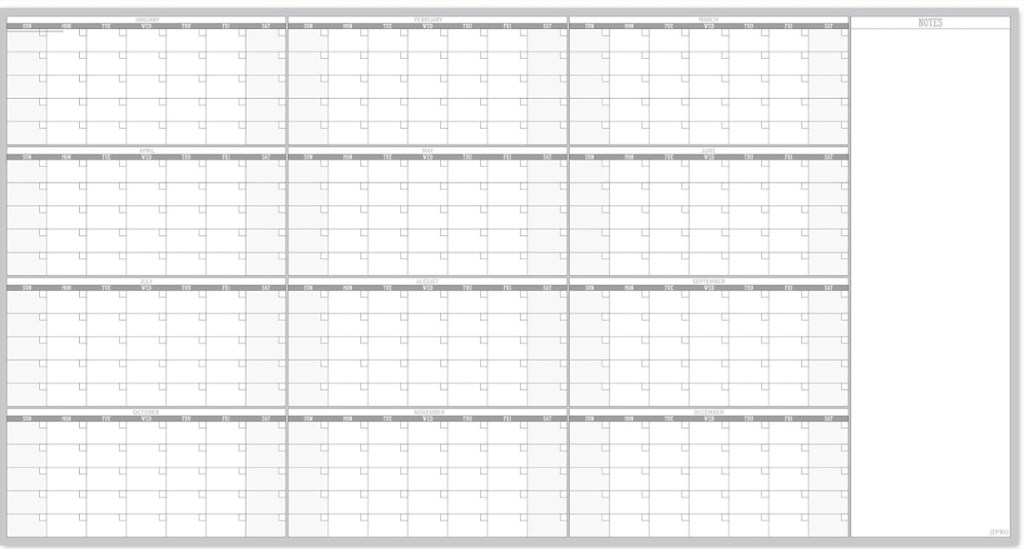
With my current job I use an old-school approach to managing my projects. I have a giant dry-erase, 12-month, 365 day calendar where I can add events I need to cover that could be months out, or a project that is due tomorrow. I’m a visual person so when I walk into my office I can check my calendar and see what I have for the day, week, or month ahead (all while my computer is starting up).
Working with software provides ease and comfort and fast reference to work and projects. I, however, prefer things out in front of me I can look up from my computer screen and see. I don’t like having to toggle between screen and then clicking through my calendar events to find a due date weeks or months in the future.
My approach to project management is to keep it simple and keep it effective. That is what the key will be for you, keep it to what works for you and your team.
 JD Photography
Leave a comment